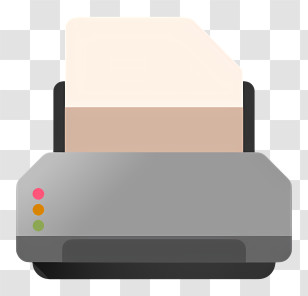
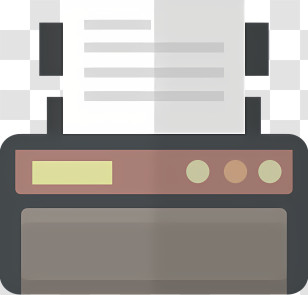
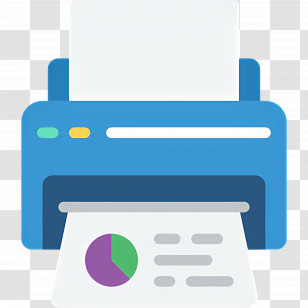
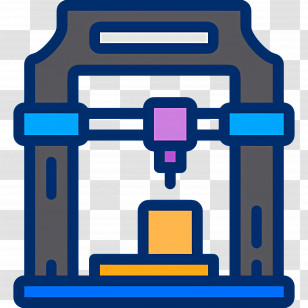
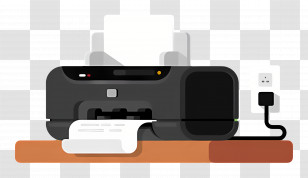
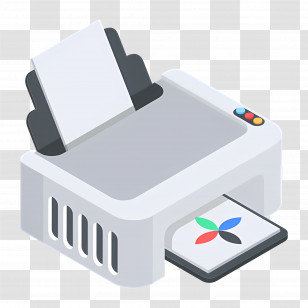
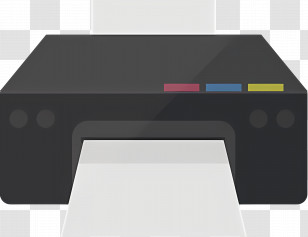
An illustration of a printer. The printer is grey in color and has a rectangular shape with a flat top. On the left side of the printer, there are two buttons - one green and one red - which are likely used to control the printer's settings. Next to the green button, there is a blue screen with three white buttons. In front of the screen is an orange tray with a blank white paper on it.
User drpeteiv uploaded the image
User drpeteiv uploaded the image
Printer - Office Printer For Documents PNG
. The resolution of this PNG file is 2048 x 2048 pixels and it has a file size of 453.26 KB.You might also like these images below...